

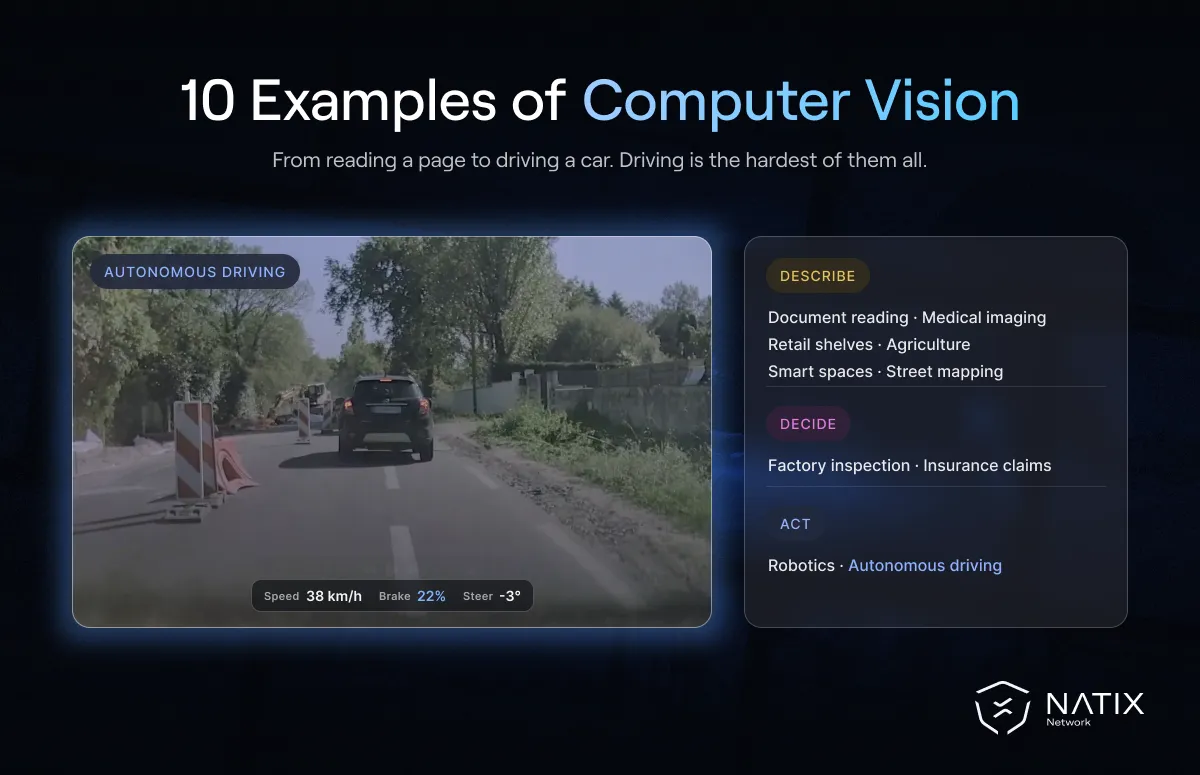
Computer vision examples are everywhere once you know what to look for. A phone that groups photos by face is using it. So is a factory camera that rejects a faulty bottle, and a car that warns it is drifting out of its lane. The technology behind all of these is the same broad field: teaching computers to understand what they see.
Seeing the range of examples side by side also shows where computer vision stops. Some systems only describe what is in an image. Others turn that description into an action. And the most demanding ones, such as vehicles that drive themselves, learn from enormous amounts of video, including a real-world driving dataset captured on public roads. Here are ten computer vision applications and what each one teaches the models behind it.
Computer vision is the part of AI that enables computers to interpret images and video. In its explainer on computer vision vs machine vision, the Association for Advancing Automation (A3) describes it as the capture and automation of image analysis. That covers a wide range of theoretical and practical applications. That breadth is why the examples below look so different from one another.
Cameras check products as they move down a line. A3 describes a bottling plant where a vision system verifies that bottles are undamaged, correctly filled, capped and labeled, then triggers an action for any that fail. This is the classic machine vision use of computer vision.
Models help clinicians review scans and slides by highlighting regions that need attention. Vision systems are now common in biomedical and life-science settings, well beyond the factory floor.
Cameras track which products are on shelves and help automate checkout. The model must recognize thousands of similar-looking items in cluttered scenes.
Images from drones and field cameras show crop health, weeds and ripeness, so farmers can treat problems early and harvest at the right time.
Optical character recognition turns scanned pages, receipts and forms into searchable text. It is one of the oldest and most widely used computer vision examples.
Photos of damaged vehicles or property can be assessed automatically, which speeds up claims and helps flag inconsistent or fraudulent submissions.
Fixed cameras in factories and warehouses track people, vehicles and robots to improve safety and flow. NVIDIA's Physical AI glossary describes video analytics agents that detect anomalies and send real-time alerts in such spaces.
Images captured from vehicles are used to read signs, lane markings and road layouts. Mapping companies rely on this at scale, and NATIX's partnership with Grab applies it to keeping maps current.
Robots use vision to find objects, judge distance and plan movements. That is where computer vision starts to merge with action, a topic we cover in robotic vision.
Vehicles use cameras to detect lanes, signs, vehicles, pedestrians and cyclists, then feed that understanding into driving decisions. This is the most demanding of all computer vision examples, explored in our guide to computer vision in autonomous vehicles.
Behind every one of these examples is a model trained on images or video. In most cases, people first label examples: drawing boxes around objects, outlining regions or tagging scenes. The model studies those labeled examples until it can make the same judgments on new images.
Newer approaches reduce the labeling burden. Some models learn general visual patterns from very large collections of unlabeled images and video, then need only a small labeled set for a specific task. Vision-language models go further and connect images with written descriptions, so a system can find "a crosswalk with a cyclist at dusk" without a dedicated detector for that scene.
Whatever the method, the quality and variety of the training data set the limits of what the model can recognize. A model that has never seen snow, a rare road sign or an unusual camera angle will struggle when it meets one.
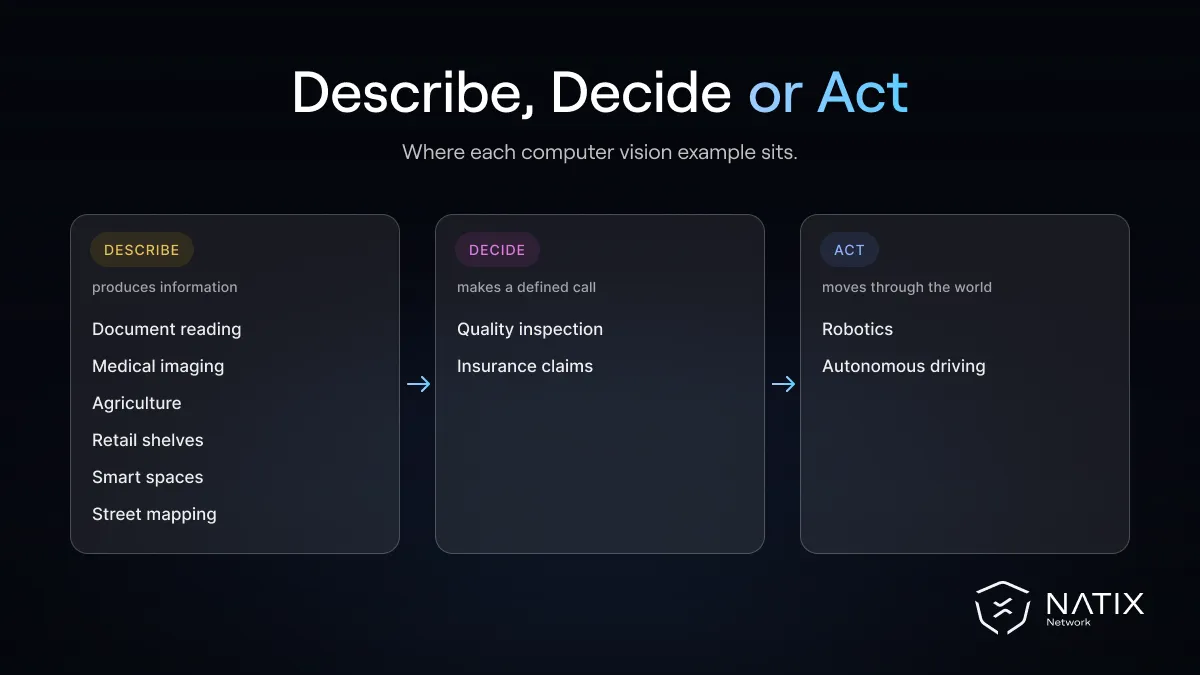
Seen this way, the ten computer vision examples above form a ladder, from systems that only describe images to systems that act on them.
The examples above need very different training data. Inspection systems learn from a narrow, controlled set of images. Document readers learn from text in many fonts and layouts. Medical models need expert-labeled scans. Retail models need huge catalogs of product images.
Systems that act in open environments need the most varied data of all. A robot or vehicle has to understand scenes it has never seen, from many angles and in changing conditions. That usually means continuous video from the real world rather than isolated pictures. NATIX's WorldSeek shows one way to work with such collections. It lets users search real-world imagery by describing what they want to find, so the right examples can be pulled for training or testing.
Most computer vision examples end with information: a label, a measurement or a description. A smaller group goes further and uses that information to make a machine do something. And at the far end of the scale, systems such as autonomous vehicles and mobile robots must decide how to act in situations nobody scripted.
That progression is the subject of our guide to machine vision, computer vision and Physical AI. The more a system needs to act, the more it depends on rich, real-world data, and the more its computer vision becomes the first step in a much longer chain.


