

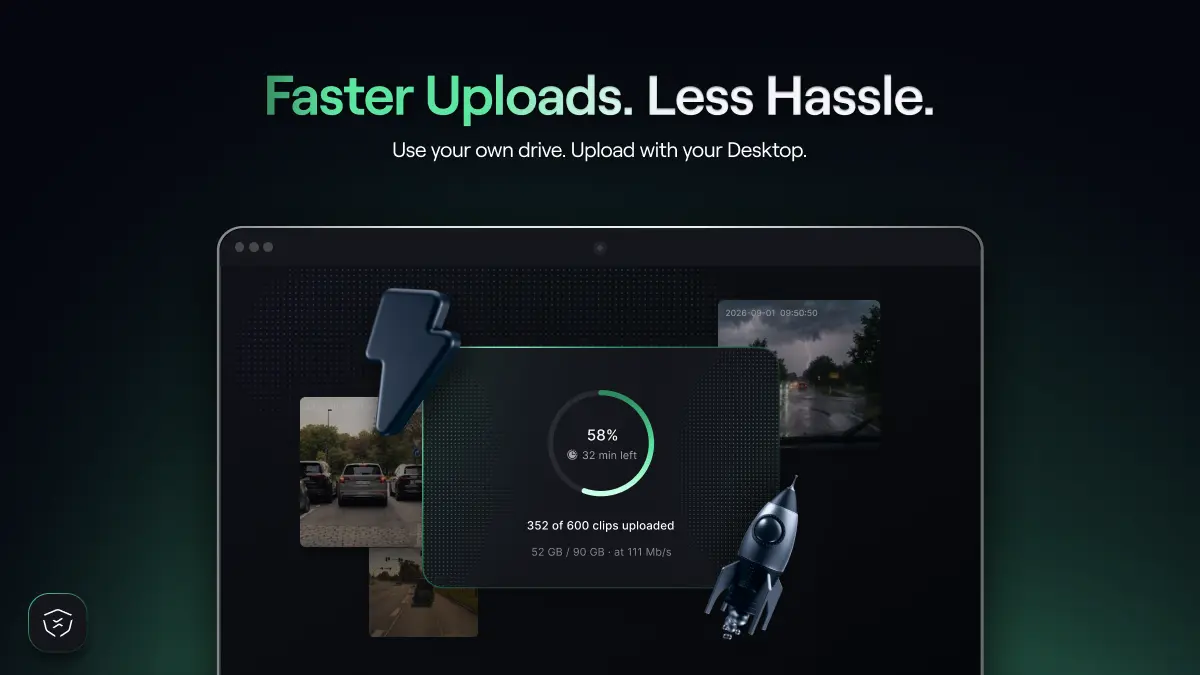
If you are already driving with VX360, you know that collecting footage is only one part of the process. Most rewards and Tier progression come from uploading footage. However, upload performance can be affected by factors such as Wi-Fi signal strength and the VX360 device’s hardware capabilities.
We have been working on a faster and more flexible way to upload your data.
The open beta of the new VX360 Desktop App is now live for VX360 users in the United States, Japan and Canada, giving VX360 drivers a faster way to upload footage and progress through the reward tiers.
By migrating, you can upload footage directly from your computer. Keep collecting with your VX360 or, on Teslas with an AMD Ryzen processor, with your own compatible USB drive. This removes the need to wait for your VX360 device to upload while your Tesla is parked and gives you more control over how much footage you collect and when you upload it.
But faster uploads are only part of the upgrade.
Users who join the open beta will receive a 3X Migration Booster until the end of November, rising to 4X from December 1 through December 31, and exclusive access to Apex Driver, a new tier paying 340,000 In-App NATIX.
Migrate today: Mac Intel, Mac Silicon, Windows, Linux.
The Desktop App gives you more control over the upload process. Instead of waiting for the VX360 device to upload footage while your Tesla is parked, you collect footage in your Tesla and upload it via your computer.
For active drivers, this can mean faster progression through the reward tiers and reaching higher monthly rewards. Furthermore, every user who migrates to the Desktop App during the open beta will receive a 3X points Migration Booster until the end of November, then 4X from December 1 through December 31.
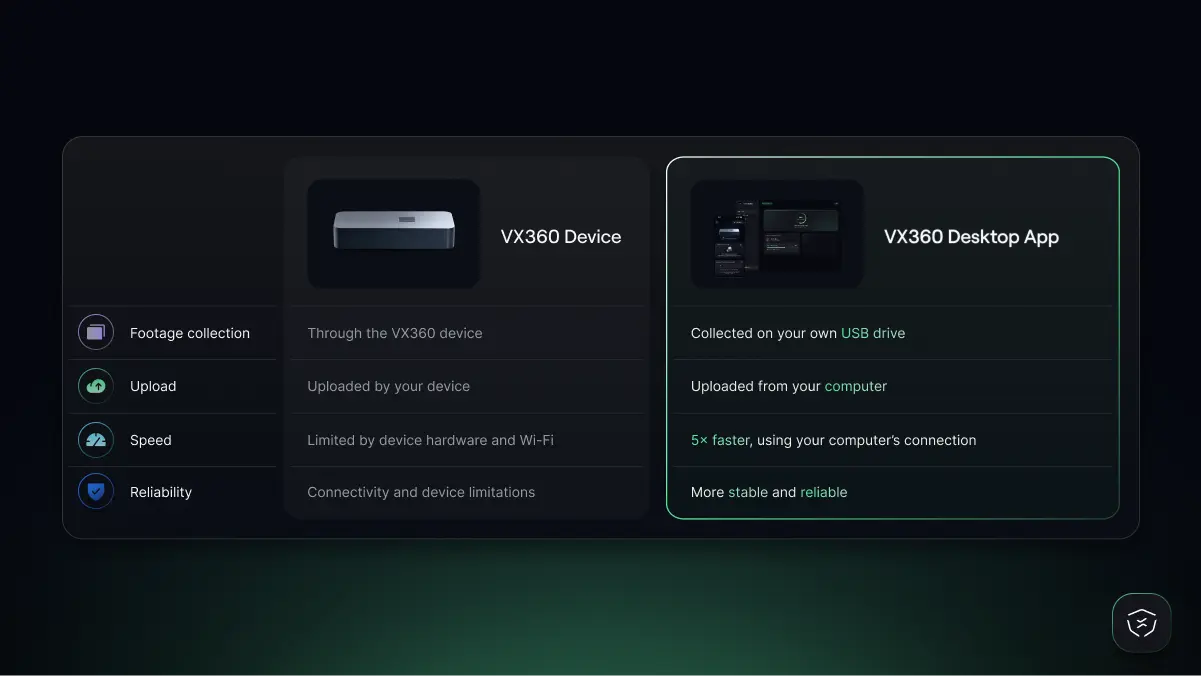
A table comparing the VX360 device vs the VX360 desktop app, showing that footage collection, upload speed, and reliability are all better on the desktop
Desktop App users will also be able to reach a completely new tier:
Apex Driver is available exclusively to users contributing through the Desktop App.
The combination of faster uploads and the Migration Booster gives early users the best opportunity yet to move through the tiers and reach these higher monthly rewards.
Yes. After you migrate, your VX360 receives an automatic update. Leave it plugged in for around 2 to 3 hours within range of a Wi-Fi network it already knows. Once the update is complete, it shows a drive named NATIXActive (35 GB) when connected to your Tesla and NATIXBackup (160 GB or more) when connected to your computer, and it can store about 12 hours of driving footage.
Whether you can also collect with your own USB drive depends on your Tesla's infotainment processor. To check yours, go to Controls → Software → Additional Vehicle Information → Infotainment Processor.
Either way, your footage is uploaded through the VX360 Desktop App.
If the VX360 Desktop App rollout is confirmed by April 1, 2027, at the latest, we’ll introduce $NATIX Bond Levels, a new way to unlock perks and earn more rewards. Every participant will need an initial $NATIX Bond to join VX360 and start earning.
Existing VX360 device owners who migrate to the Desktop App will have their initial $NATIX Bond activated at no additional cost. NATIX will create and manage the Bond on their behalf, so they won’t need to lock any $NATIX themselves.
After the full rollout, users will be able to reach higher Bond Levels by locking additional $NATIX. Higher levels will unlock benefits such as points multipliers, $NATIX airdrops, increased rewards, and other level-specific perks.
As a reward for supporting the Open Beta, migrated users may also receive a free upgrade to a higher Bond Level, unlocking additional rewards and benefits.
More details about Bond Levels, required $NATIX amounts, and benefits will be shared closer to the full rollout.
The Desktop App gives you more control over your uploads and a faster route through the VX360 reward tiers.
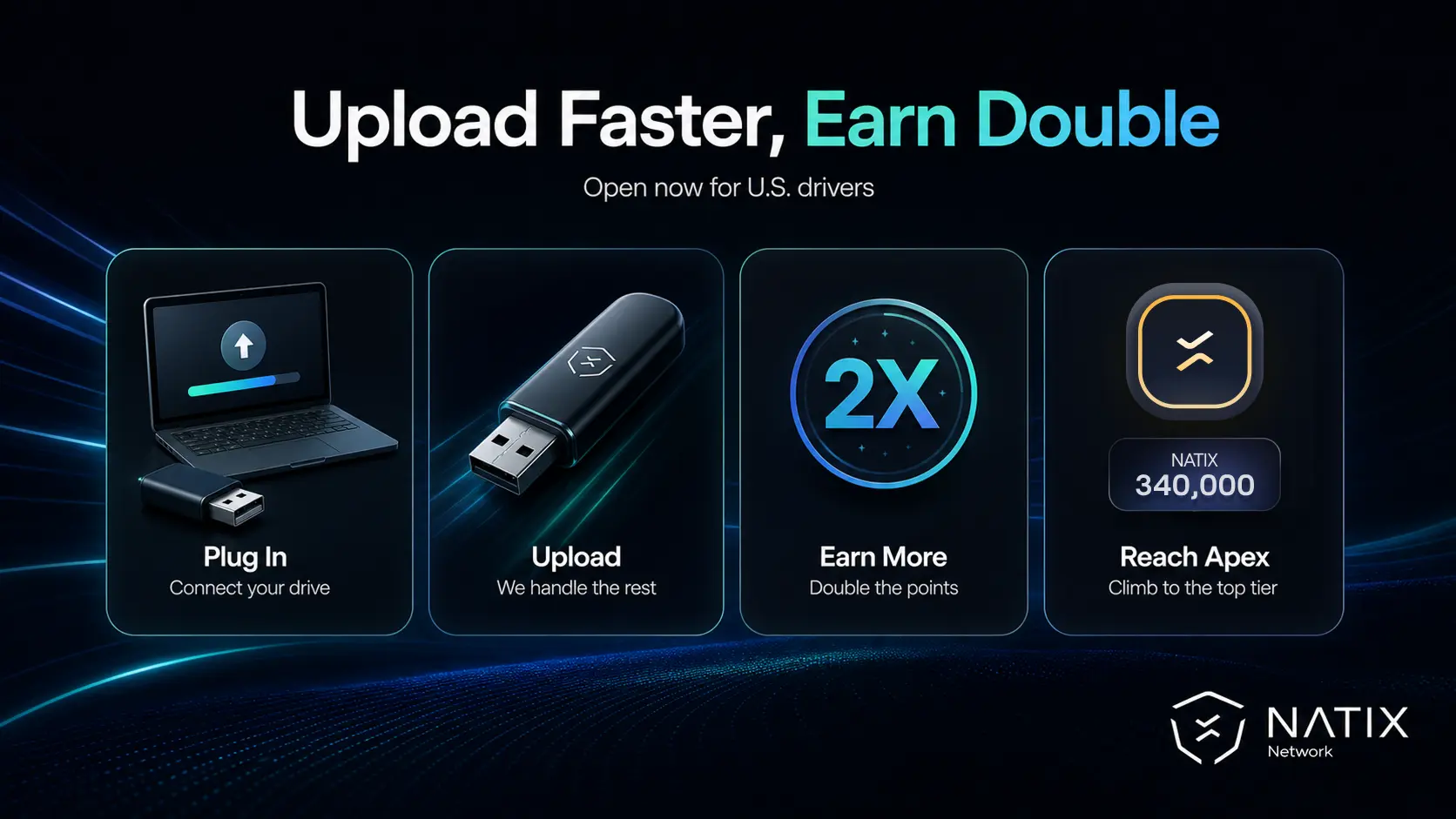
By joining the open beta, you can:
Eligibility requirements:
If your VX360 device isn’t onboarded, you can contact our Customer Support for troubleshooting.
Please note that migration to the VX360 Desktop App is one-way. Users who opt in to the migration will no longer be able to upload footage directly through your VX360 device. If the Desktop App rollout is cancelled, the migration will be reversed, and users will be able to upload footage directly through their VX360 device again.
Eligible VX360 users in the U.S., Japan and Canada can migrate today: Mac Intel, Mac Silicon, Windows, Linux.
Soon, we will make the migration process available across more regions, so if you’re driving elsewhere, stay tuned.


